

Latest Version
Nokse
Design
Linux
Free
io.github.nokse22.Exhibit
Report a Problem
More About Exhibit
An Efficient Way to Preview 3D Models on Linux
For designers, developers, and 3D enthusiasts working on Linux, finding a lightweight yet capable tool to inspect assets quickly can be a challenge. Enter Exhibit 3D model viewer, a streamlined utility designed specifically to preview 3D models with minimal friction. Built on top of the robust F3D library, this application offers a highly responsive environment for loading, inspecting, and rendering digital assets without the overhead of a full-scale modeling suite.
Versatile Format Support for Diverse Workflows
One of the standout features of the Exhibit 3D model viewer is its extensive compatibility. Whether you are dealing with standard digital content creation files or precise scientific datasets, the application handles them seamlessly. Supported formats include:
- Popular web and game formats like glTF, OBJ, FBX, and USD
- CAD and manufacturing files such as STEP and STL
- Scientific and high-density point clouds like PLY and Alembic
This wide-ranging compatibility makes the Exhibit 3D model viewer an invaluable asset for multi-disciplinary teams who need to verify geometry and textures on the fly.
Real-Time Rendering and Customization
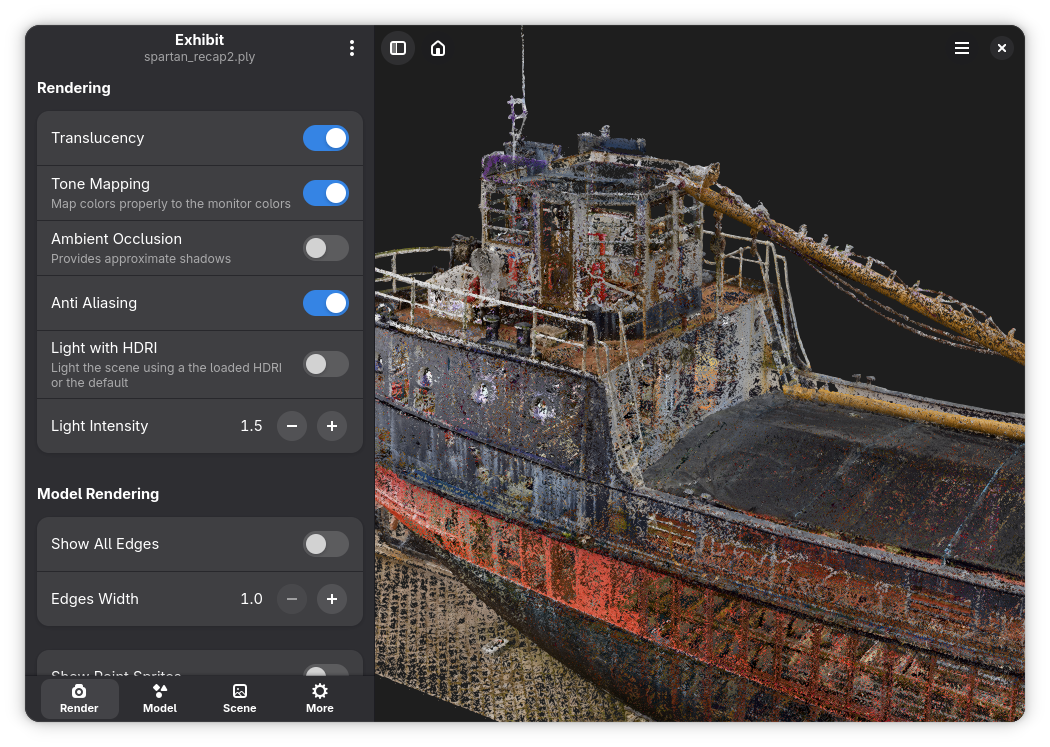
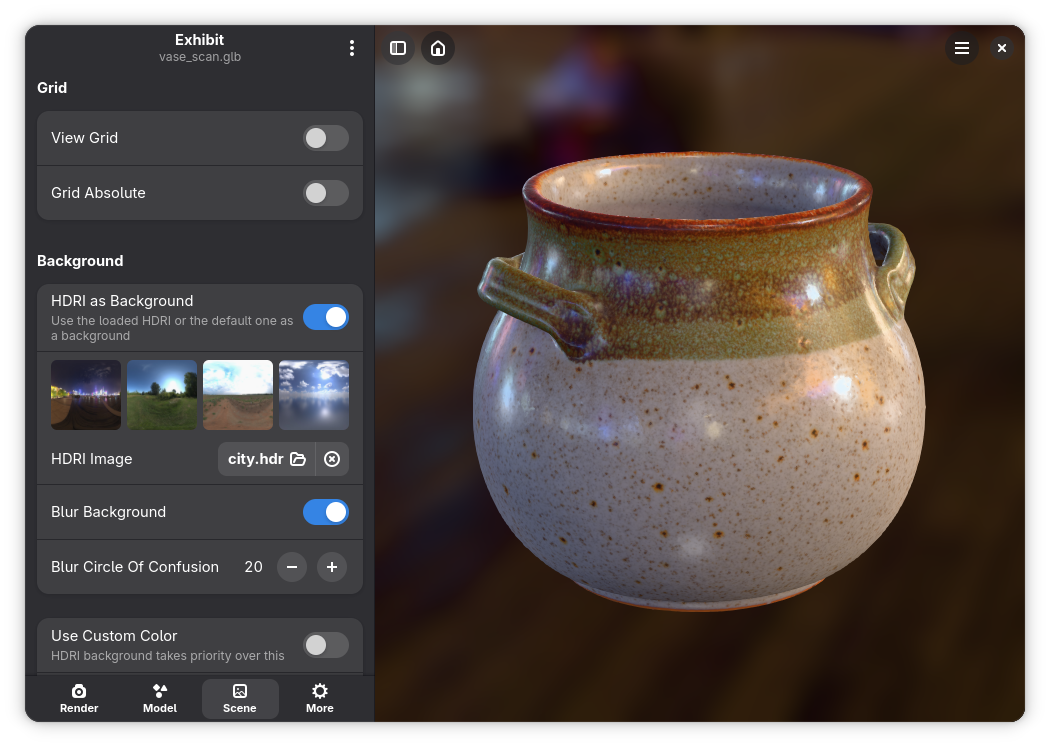
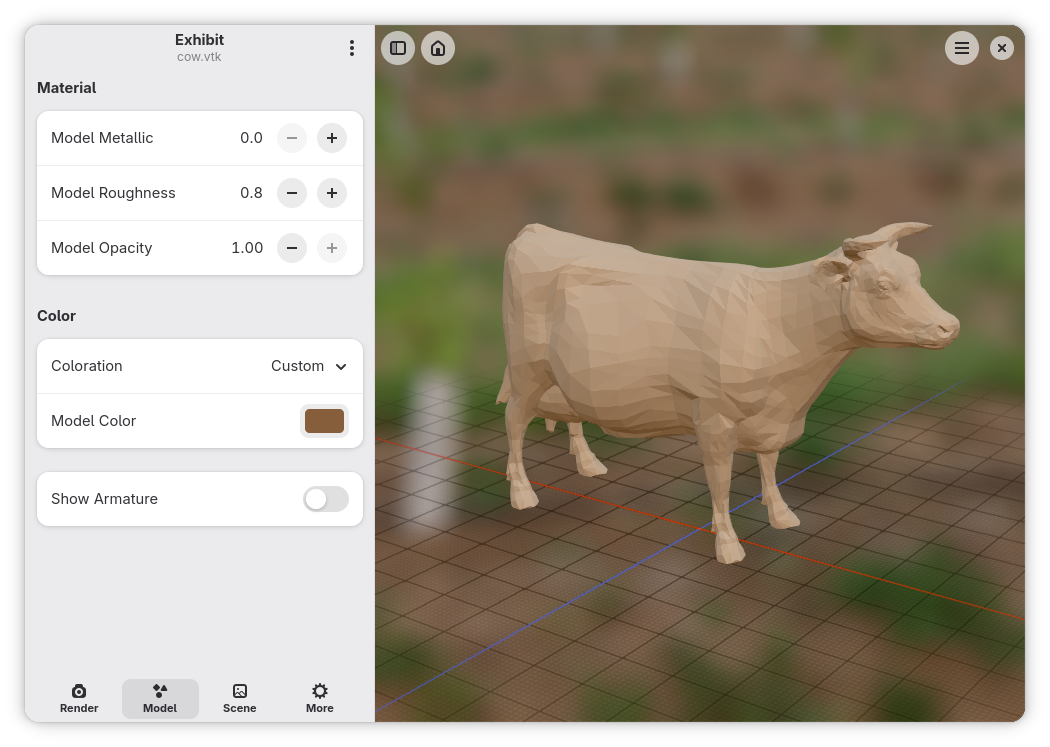
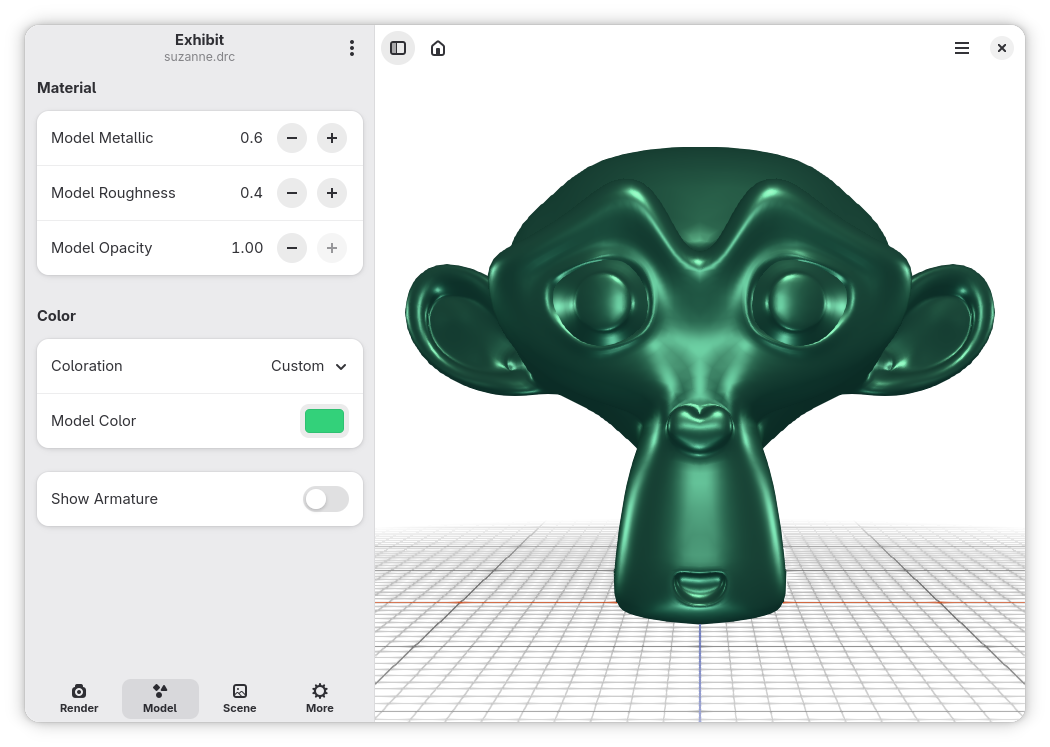
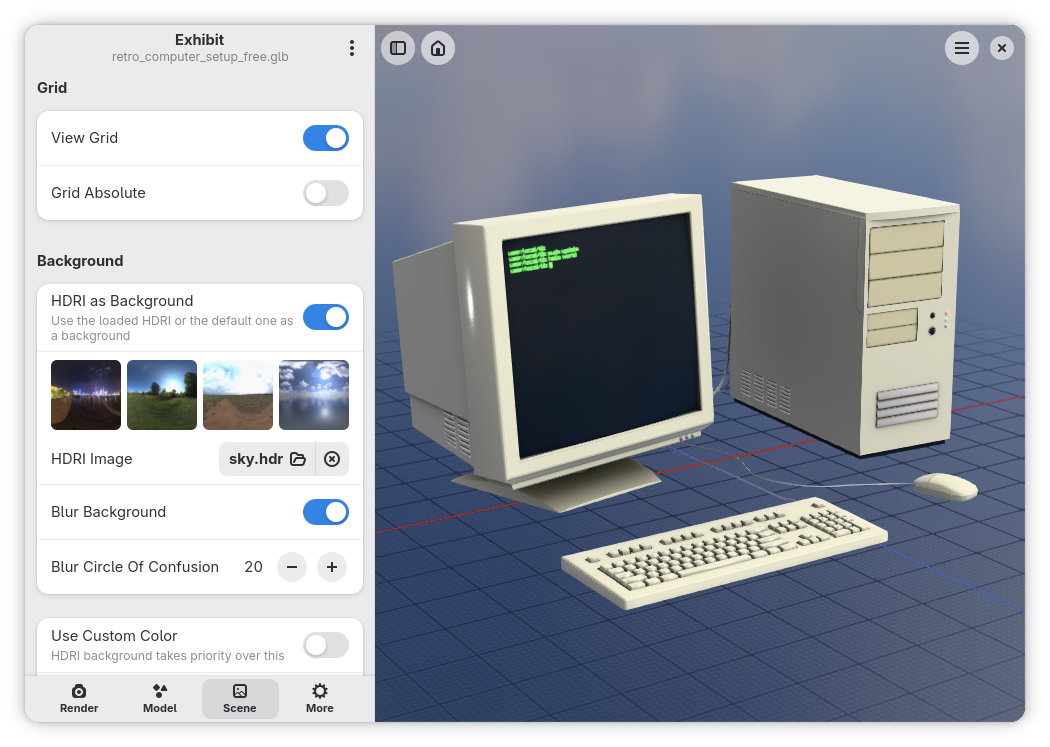
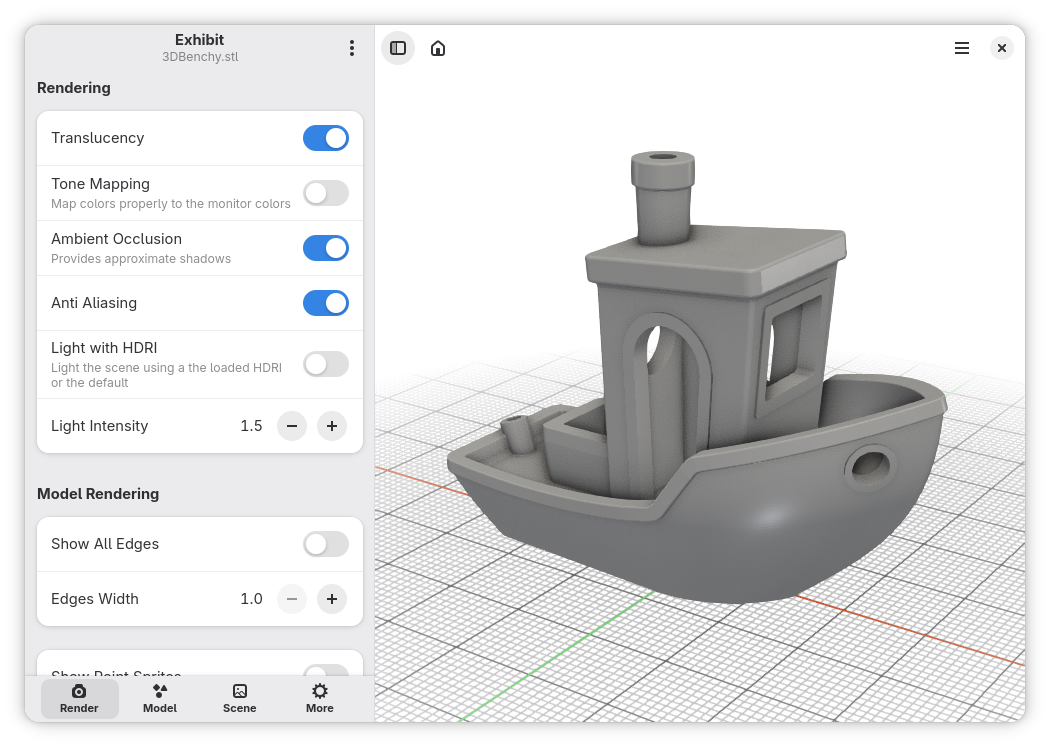
Beyond simple viewing, this application allows users to manipulate rendering environments to achieve the perfect look. By dragging and dropping your files directly into the workspace, you can easily tweak a variety of visual parameters. You can adjust tone mapping, ambient occlusion, and anti-aliasing to refine edge quality and depth perception. Furthermore, users can modify material properties—including roughness, metallic values, color, and opacity—while utilizing custom HDRI images or solid colors for the background. Once the setup looks pristine, you can instantly export a high-quality image of the rendered model.
Is This Tool Right for Your Pipeline?
If you need a heavy-duty editor, you will still rely on your primary DCC software. However, if your daily tasks involve quickly checking assets, verifying export quality, or generating fast marketing renders on a Linux system, this software is exceptionally well-suited for the job. It strips away the complexity of traditional 3D suites, focusing entirely on speed and rendering accuracy.
To explore this capable design tool further and add it to your workstation, head over to the official Exhibit page on Flathub to get started.
Rate the App
User Reviews










Popular Apps










Editor's Choice